12 Best Screen Recorders in 2026
The 12 best screen recorders in 2026, compared by use case, platform, free plan, editing, and sharing—without the usual feature overload.
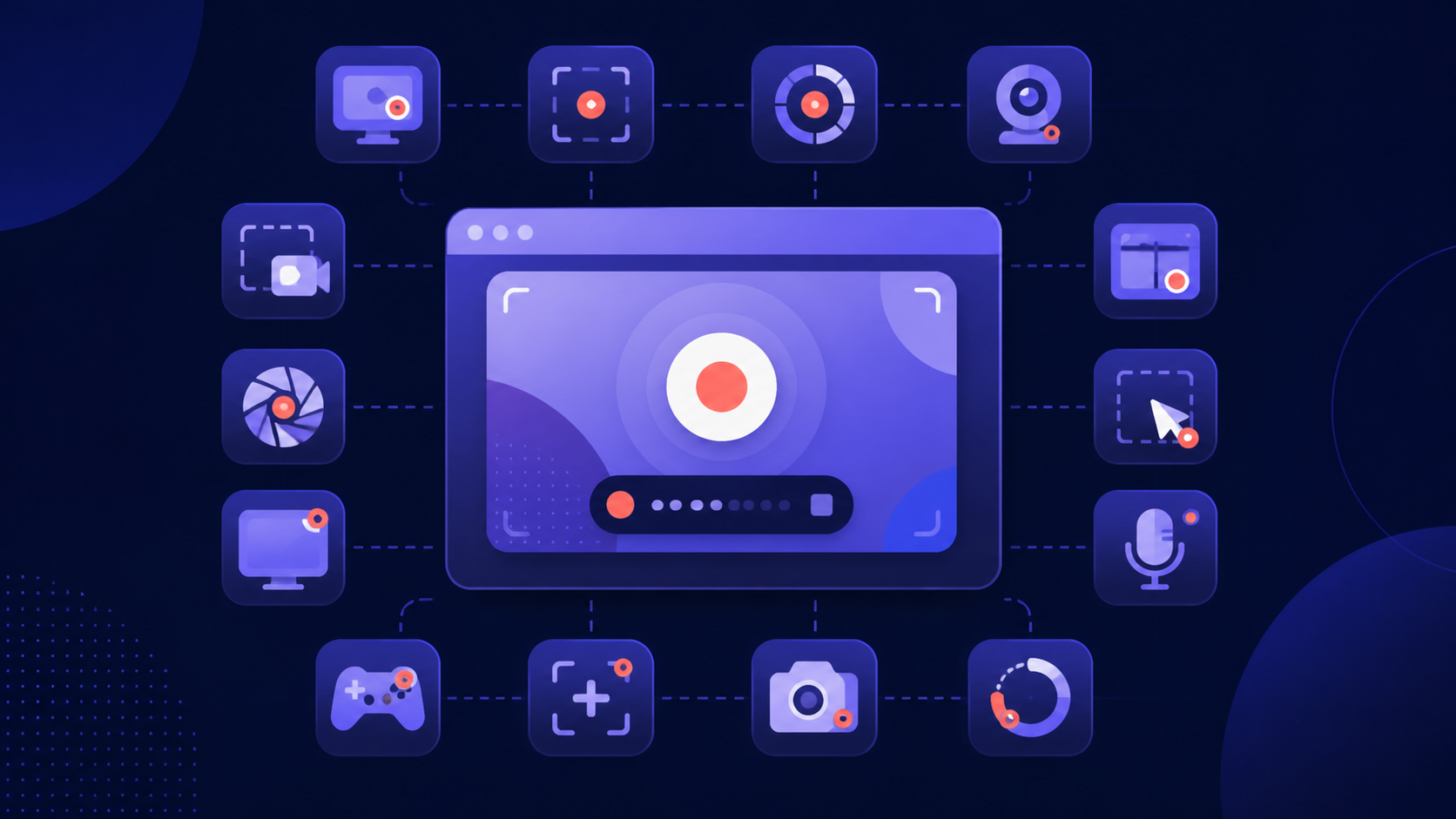
The honest answer is that there is no single “best” screen recorder. A support team needs a fast share link. A course creator needs a proper editor. A streamer needs scene control. The right choice depends on what happens after you press Record.

Quick answer: the best screen recorder for each job
- Best browser-first recorder for async teams: Aks Screen Recorder
- Best-known async video platform: Loom
- Best free recorder for streaming and control: OBS Studio
- Best for detailed training-video editing: Camtasia
- Best for polished Mac product demos: Screen Studio
- Best for presentation-ready demos: Tella
- Best for editing video like a document: Descript
- Best for remote interviews: Riverside
- Best affordable all-rounder: ScreenPal
- Best for teachers and Chromebooks: Screencastify
- Best for screenshots and visual bug reports: Zight
- Best free Windows capture utility: ShareX
Pricing and plan limits were checked on August 24, 2026. Vendors change their plans, so confirm the current price before buying.
How we chose
We compared the things that affect everyday use: setup time, screen and facecam capture, editing, sharing, platform support, and what the free plan actually allows. We also gave each product a specific “best for” instead of pretending every recorder serves the same person.
The 12 best screen recorders in 2026
1. Aks Screen Recorder — best browser-first recorder for async teams
Aks Screen Recorder is built for people who want to record a screen, browser tab, window, facecam, and microphone without installing a desktop application or browser extension. When the recording is ready, you can download it or send a link. Viewers can watch, comment, reply, and react without creating an account.
Best for: established async teams, customer support, product demos, bug reports, internal updates, and short explanations. Keep in mind: the Free plan has a five-minute recording limit, 30 active cloud videos, and an Aks watermark. Basic is $2.99 per month and removes the watermark; Business is $12.99 per month with unlimited active videos and recording length.
2. Loom — best-known async video platform
Loom remains the familiar choice for workplace video messages. It records screen and camera, creates an immediate share page, and includes comments, reactions, transcripts, analytics, and a broad integration ecosystem. It is especially comfortable for teams already using Atlassian products.
Best for: async teams that want a familiar product with a broad integration ecosystem. Keep in mind: Starter is free but limited to 25 videos per person and five minutes per recording. Business is $18 per user per month.
3. OBS Studio — best free recorder for control and streaming
OBS Studio is free, open source, and available on Windows, macOS, and Linux. It can combine screens, webcams, capture cards, images, and multiple audio sources into reusable scenes. There are no watermarks or paid recording limits.
Best for: livestreams, gaming, local recording, and technical users. Keep in mind: OBS does not provide a built-in editor or hosted share page, and its settings can feel excessive for a 60-second explanation.
4. Camtasia — best for detailed training-video editing
Camtasia combines multitrack screen, camera, system-audio, and microphone recording with a serious desktop editor. Cursor paths, callouts, transitions, captions, quizzes, and audio cleanup make it a strong fit for reusable training material.
Best for: courses, onboarding, and polished tutorials on Windows or Mac. Keep in mind: the free editor exports with a watermark. Camtasia Essentials is $179.88 per year.
5. Screen Studio — best for polished Mac product demos
Screen Studio automatically smooths cursor movement and adds animated zooms around clicks. It also handles webcam, microphone, system audio, subtitles, backgrounds, vertical layouts, and exports up to 4K at 60 fps.
Best for: beautiful software demos and social clips made on a Mac. Keep in mind: it is macOS-only and has no permanent free plan. Pricing is $20 monthly or $9 per month when billed yearly.
6. Tella — best for presentation-ready demos
Tella sits between a quick recorder and a lightweight video studio. It offers screen and camera layouts, automatic zoom, subtitles, transcript editing, silence and filler-word removal, hosting, comments, analytics, and 4K export.
Best for: product demos, creator videos, and tutorials that need polish without a full timeline editor. Keep in mind: the trial lasts seven days. Pro starts at $13 per user per month when billed annually.
7. Descript — best for editing video like a document
Descript records the screen and webcam, transcribes the result, and lets you edit by changing the transcript. Captions, templates, speaker detection, audio cleanup, and filler-word removal are useful when the spoken explanation matters as much as the screen.
Best for: tutorials, podcasts, and talking-head content. Keep in mind: the Free plan exports up to 720p and includes one transcription hour per month. Creator starts at $12 per editor per month when billed annually.
8. Riverside — best for remote interviews
Riverside records participants locally and keeps separate audio and video tracks, which protects quality when an internet connection is uneven. Screen sharing, captions, a teleprompter, editing, and short-form clip tools are included in the broader studio.
Best for: interviews, webinars, podcasts, and remote presentations. Keep in mind: it is more studio than simple screen recorder. The Free plan carries a watermark; Standard starts at $15 per month when billed annually.
9. ScreenPal — best affordable all-rounder
ScreenPal covers screen and webcam recording, screenshots, drawing tools, editing, captions, hosting, and mobile creation without a premium price. The Free plan allows unlimited recordings of up to 15 minutes each.
Best for: individuals, teachers, and small teams that need a little of everything. Keep in mind: advanced editing and AI features sit in paid plans. Solo Deluxe is normally $4 per month when paid annually.
10. Screencastify — best for teachers and Chromebooks
Screencastify runs in Chrome and focuses heavily on education. It combines tab, screen, and webcam recording with sharing, privacy controls, questions, polls, Google-friendly workflows, and school administration features.
Best for: classrooms, student submissions, and Chromebook fleets. Keep in mind: Free supports 10 videos and 30 minutes per recording. Starter is $7 per user per month annually, but $19 on monthly billing.
11. Zight — best for visual bug reports
Zight combines screen recording with screenshots, GIFs, annotations, instant links, comments, and request links. Apps are available for Mac, Windows, Chrome, and iOS, making it useful when a team mixes short videos with marked-up captures.
Best for: support, QA, and visual feedback. Keep in mind: the free Share plan limits recordings to five minutes and 720p. Create is $9.95 per month annually or $12.95 monthly.
12. ShareX — best free Windows capture utility
ShareX is a free, open-source Windows tool for screen recording, GIFs, screenshots, OCR, annotations, and automated upload workflows. It has no advertising, needs no account, and can send captures to a wide range of destinations.
Best for: Windows power users who want fast capture automation. Keep in mind: it is Windows-only, its interface is dense, and it does not provide the polished editing or hosted review experience of dedicated video platforms.
Which screen recorder should you choose?
Choose the lightest tool that finishes your actual workflow. For a browser-based screen recorder with facecam and a simple feedback page, start with Aks. For free local recording or streaming, use OBS. For deep editing, choose Camtasia. For automatic Mac polish, Screen Studio is hard to beat. If your work revolves around interviews rather than screen walkthroughs, Riverside is the better studio.
Frequently asked questions
What is the best screen recorder in 2026?
Aks is a strong choice for fast browser-based recording and sharing; OBS Studio is the best free option for local control; and Camtasia is the strongest choice when editing depth matters. The best option depends on whether you value speed, control, or post-production.
What is the best free screen recorder?
OBS Studio is the most capable completely free desktop recorder. ShareX is excellent for Windows capture automation. Aks, Loom, ScreenPal, Screencastify, Zight, Descript, and Riverside also offer free plans, but their recording, storage, resolution, or export limits differ.
Which screen recorder works without a download?
Aks records directly in the browser without a desktop download or extension. Riverside also offers a no-sign-up browser recorder for quick captures. Browser-extension products such as Screencastify still require installing the extension.
Which screen recorder is best with facecam?
Aks and Loom are both suitable for established async teams that need screen and facecam recordings. Aks emphasizes a browser-first workflow, while Tella and Screen Studio add more presentation styling and post-recording polish.
A short final recommendation
If you mostly need to show something, explain it, and send it, try Aks Screen Recorder. If you need livestream scenes, install OBS. If you expect to spend more time editing than recording, choose Camtasia, Descript, Tella, or Screen Studio according to your platform and style.